 QuickBurst
Never miss the moment.
Prop up your phone, step into the frame, and let QuickBurst fire rapid bursts or hands-free timed shots, then keep only the best.

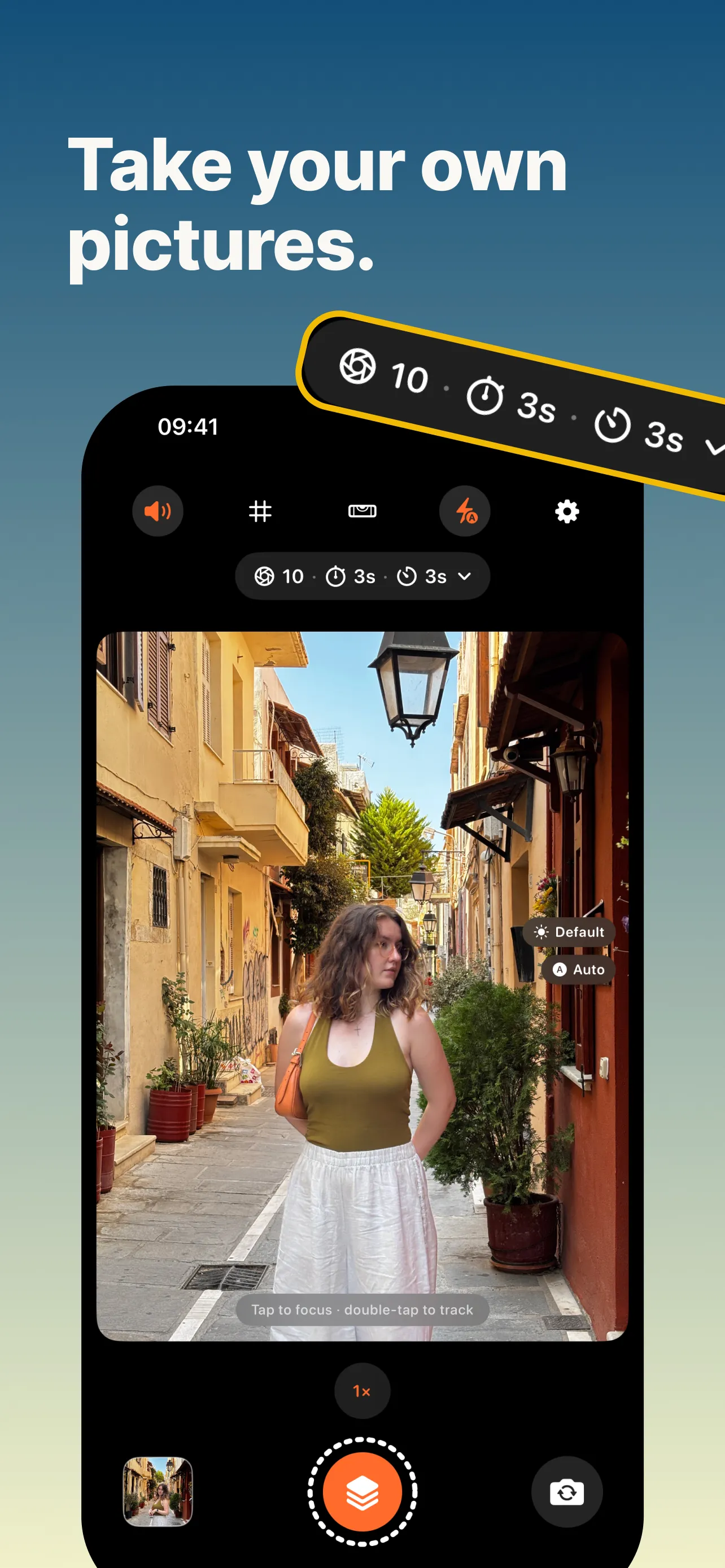
Set the timer and walk in.
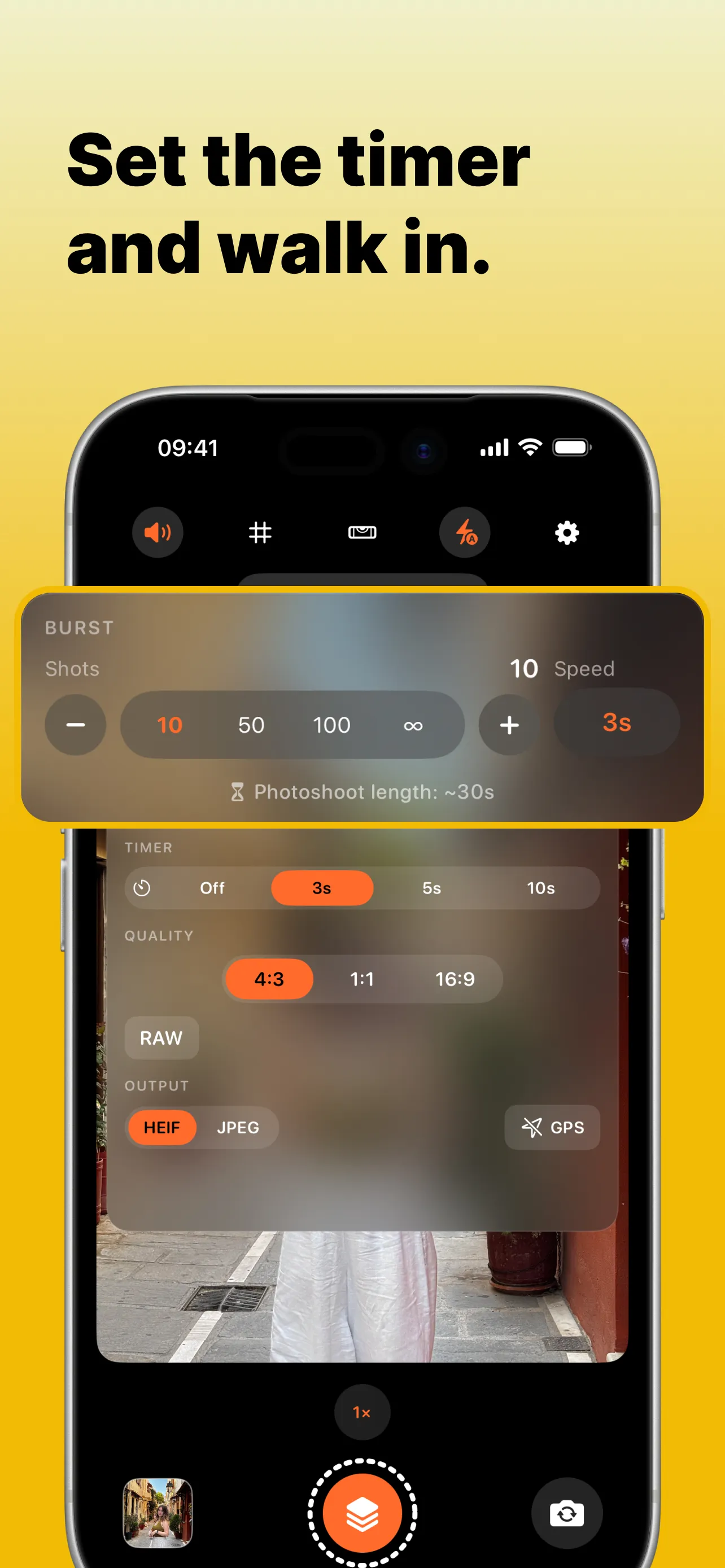
Set a shot count and an interval, from rapid-fire fractions of a second to relaxed tripod gaps minutes apart. Prop your phone up, start the timer, and walk into the frame. QuickBurst keeps focus locked while you move.
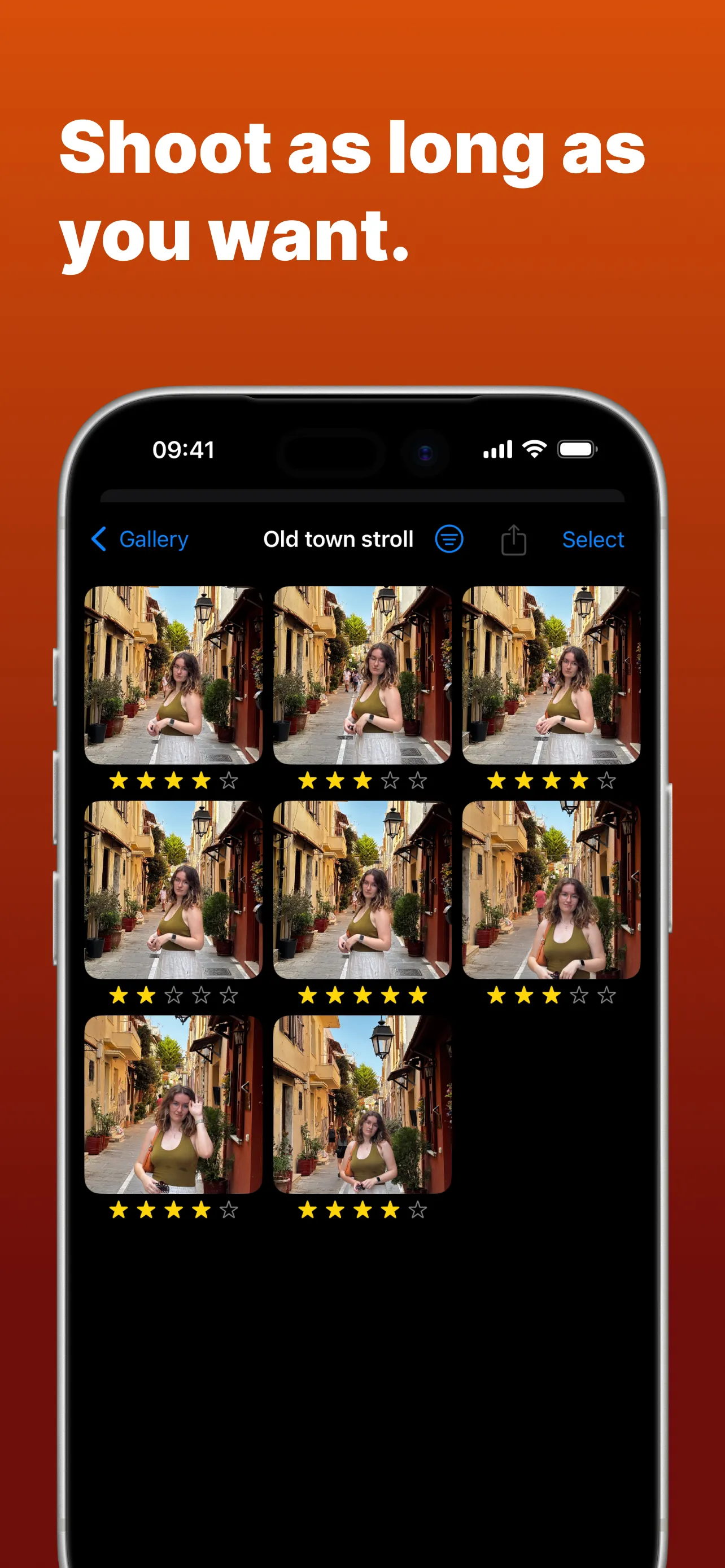
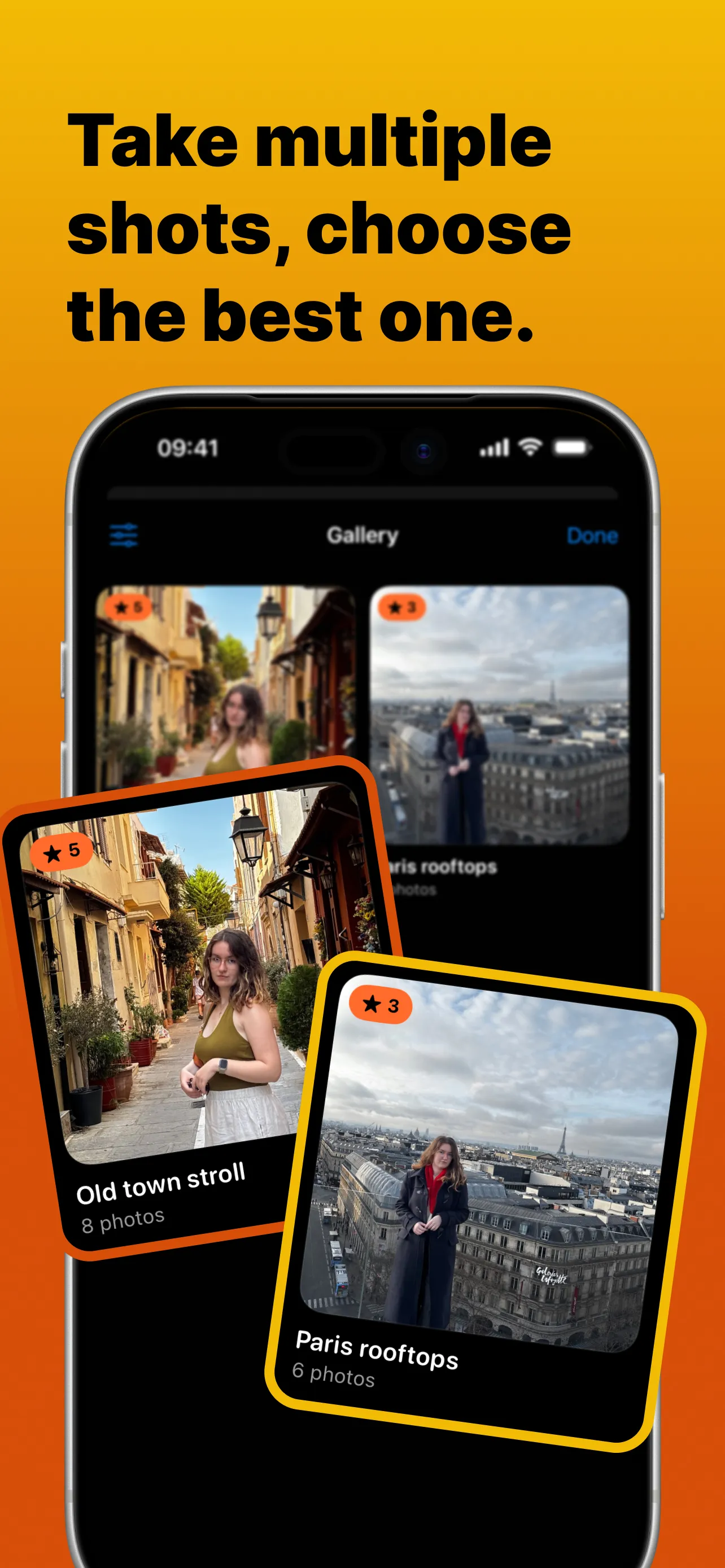
Shoot as many as you want, keep only the best.
Every burst lands in its own session. Swipe through, rate your favourites, and clear the rest in one action instead of deleting fifty near-duplicates by hand.
Your best shots, organised.
Star ratings and albums surface the keepers. Full-resolution photos save straight to your photo library, nothing gets locked inside the app.
Every photo stays on your phone.
Your photos stay on your device and in your photo library. Location tagging is fully optional and off until you turn it on. No accounts, no uploads, no tracking.

FAQ
How is this different from the built-in camera's burst?
The built-in burst needs your finger on the shutter. QuickBurst runs hands-free: set a timer or interval plan, walk away, and it fires on schedule. Then it gives every burst its own review flow so culling takes seconds.
Does it work on a tripod?
That's the main use case. Prop your phone on a tripod (or a coffee cup), start a timed burst, and get in the shot.
Where do my photos go?
Straight into your photo library at full resolution. QuickBurst also keeps a recovery copy during capture so a burst is never lost mid-shoot.
Is it free?
QuickBurst is free to download and try. A PRO upgrade (subscription or one-time lifetime purchase) unlocks unlimited capture.
Where can I get QuickBurst?
QuickBurst is out now on the App Store. It is free to download and requires an iPhone on iOS 17 or later.
Support
Questions, bug reports or feature requests: email hello@quickburst.app and you'll get a reply from the developer, usually within a couple of days.